

Cloud Backup Solutions for Small Business in Melbourne
Losing critical business data is not just an inconvenience — for a small business, it can mean lost revenue, broken client trust and weeks of recovery work. Yet many Melbourne businesses are still relying on ageing external hard drives, USB sticks or inconsistent manual backups that nobody actually checks. Cloud backup solutions for small business offer a far more reliable alternative, and they have become genuinely accessible for organisations of any size.
This article explains what cloud backup actually involves, why it matters for Melbourne small businesses specifically, and how to make sure your setup is doing what you think it is.
What Is Cloud Backup and How Does It Work?
Cloud backup is the process of automatically copying your business data — files, databases, emails, system configurations — to secure remote servers hosted over the internet. Unlike a local backup stored on-site, cloud backups are stored off-site in data centres, which means a fire, flood or theft at your premises does not take your backup down with it.

Most modern cloud backup solutions run quietly in the background on a schedule you set. They capture changes incrementally, meaning only new or altered data is uploaded after the first full backup. This keeps the process fast and keeps your internet connection usable during business hours.
For a small business in Melbourne, this typically means your accountant’s files, your customer records, your project folders and your email data are all protected without anyone having to remember to plug in a drive.
Why Small Businesses in Melbourne Are at Risk Without It
Ransomware attacks — where criminals encrypt your files and demand payment to release them — have become increasingly common against small and medium businesses. Large enterprises often have dedicated security teams; smaller businesses are frequently targeted precisely because their defences are lighter.
Melbourne also sits in a region that experiences seasonal storms, which can cause power surges and hardware damage. A single corrupted hard drive, whether from a lightning strike or simple mechanical failure, can wipe out years of records.
Compliance is another factor worth considering. Depending on your industry, Australian Privacy Act obligations or sector-specific regulations may require you to demonstrate that client data is securely stored and recoverable. A well-configured cloud backup solution supports this significantly.
Key Features to Look for in a Cloud Backup Solution
Automated and Scheduled Backups
The best backup is one that runs without human intervention. Look for solutions that back up continuously or on a tight schedule — hourly backups are common for business-critical systems. If your last backup runs at midnight and your server fails at 4pm, you could lose an entire day of work.
Versioning and Point-in-Time Recovery
Versioning means the system keeps multiple historical copies of your files, not just the most recent one. This is particularly important in a ransomware scenario: if your files are encrypted and that encrypted version gets backed up, you want the ability to roll back to a clean version from before the attack occurred.
Encryption and Security
Your data should be encrypted both in transit (while being sent to the cloud) and at rest (while stored on remote servers). Check whether the provider stores encryption keys separately from the data itself — this matters if you are concerned about unauthorised access at the provider’s end.
Tested Restore Processes
A backup that has never been tested is a backup you cannot rely on. Restoration testing — actually recovering data from the backup to confirm it works — should be part of your regular IT maintenance routine. Many businesses discover gaps in their backup coverage only when they actually need to restore something.
Cloud Backup as Part of a Broader IT Strategy
Cloud backup works best when it is part of a wider approach to IT resilience rather than a standalone fix. This includes keeping software and operating systems patched, using multi-factor authentication on business accounts and having a clear plan for what happens if a system goes down.
TechCares provides IT support and management services to Melbourne businesses that go well beyond setting up a backup tool. The team works with you to assess your current setup, identify gaps in your data protection and implement solutions that fit how your business actually operates — without overcomplicating things or overselling technology you do not need.
For sole traders or small teams working from home, professional in-home IT support is also available, which means your home office setup can be just as protected and well-managed as any commercial premises.
Choosing the Right Solution for Your Business Size
Not every cloud backup product suits every business. A sole trader running a small consultancy has different needs to a retail business with point-of-sale systems, staff devices and supplier integrations. The right approach depends on what data you hold, how often it changes, how quickly you need to recover it and what budget you are working with.
Some well-known platforms used in the Australian market include Veeam, Acronis and Microsoft Azure Backup, though the right choice depends on your existing systems and IT environment. A managed IT provider can assess your situation and recommend something appropriate rather than pushing a one-size product.
Frequently Asked Questions
How much does cloud backup cost for a small business?
Costs vary depending on the volume of data, the frequency of backups and the level of support included. Many small businesses in Melbourne can access a solid cloud backup solution for a modest monthly fee. A managed IT provider can give you a clearer estimate once they understand your data volumes and requirements.
Is cloud backup the same as cloud storage (like Google Drive or Dropbox)?
No — and this is a common misconception. Cloud storage tools like Google Drive sync your files, but they are not designed as backup solutions. If you accidentally delete a file or it becomes corrupted, synced copies can overwrite the original quickly. A dedicated cloud backup solution keeps versioned, recoverable copies specifically for disaster recovery purposes.
How long does it take to restore data from a cloud backup?
Restoration time depends on the volume of data and your internet connection speed. Restoring a small number of critical files might take minutes; restoring an entire server environment could take longer. This is why having a clear recovery plan — and testing it in advance — is important before you actually need it.
Do I need cloud backup if I already have an external hard drive?
An external drive kept on-site is better than nothing, but it leaves you exposed to physical risks like theft, fire or flood, and also relies on someone remembering to run and verify the backup. Cloud backup addresses these gaps by storing data off-site automatically. Many businesses use both as a layered approach.
Protect Your Business Data Before It Is Too Late
Data loss rarely comes with a warning. Whether it is hardware failure, a cyberattack or an accidental deletion, the businesses that recover quickly are the ones that had the right systems in place beforehand — not the ones scrambling to set them up after the fact.
If you are not confident your current backup setup would actually protect you in a crisis, now is the right time to get a second opinion. The team at TechCares works with small businesses across Melbourne to implement cloud backup solutions that are properly configured, regularly tested and supported by experienced local professionals. Get in touch through our IT support and management services page to start a conversation about what your business actually needs.

Professional Email Setup Melbourne | TechCares
Need a professional email setup Melbourne businesses can rely on? TechCares configures Microsoft 365, Google Workspace & custom email hosting. Get started today.
Read More
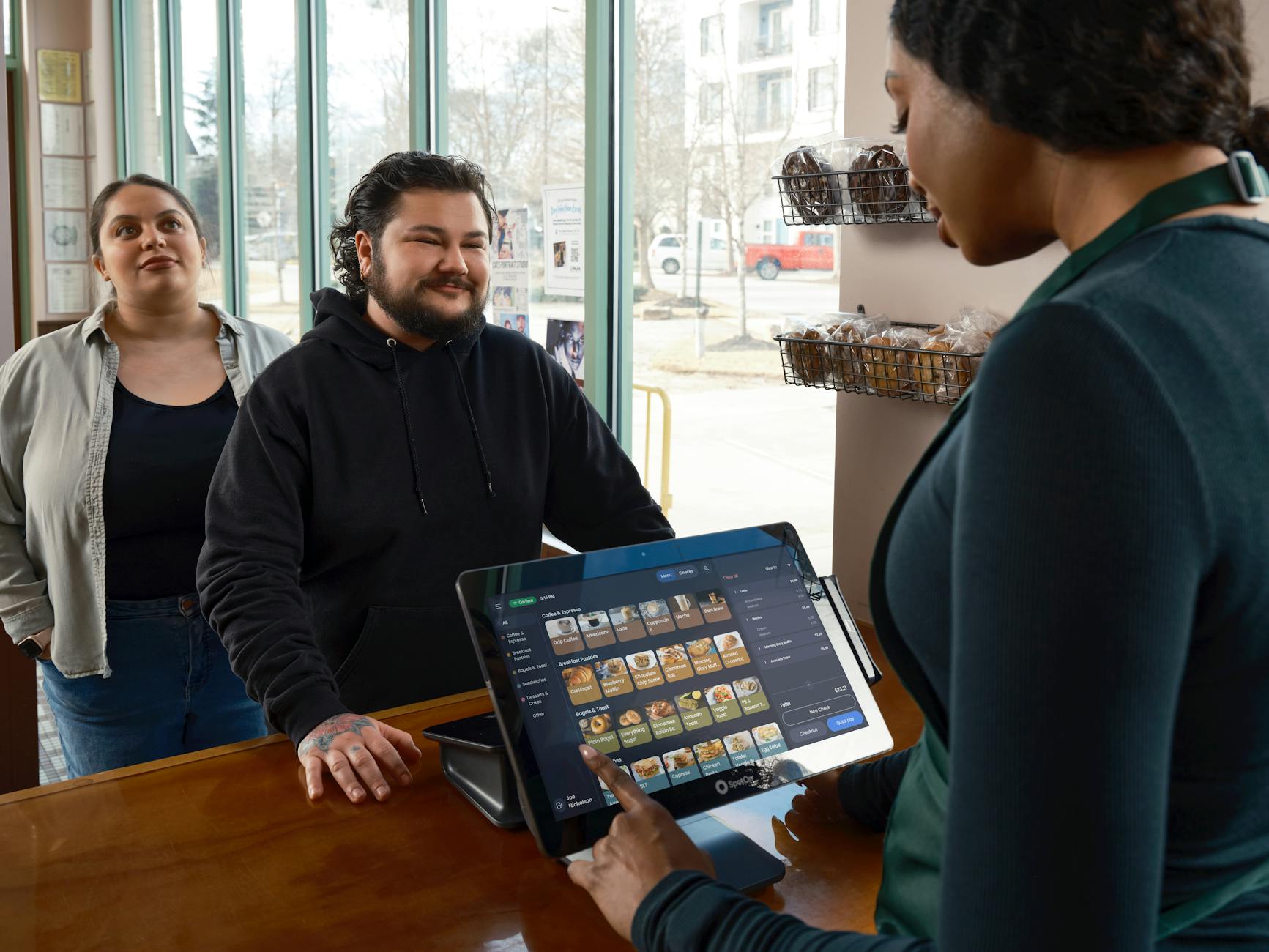
Best POS System for Cafe Melbourne: Top 5 Tips
Choosing the right POS system for cafe Melbourne can transform how you serve customers. Discover what to look for and how TechCares can help. Get in touch today.
Read More

Cloud Backup Solutions for Small Business
Protect your business data with reliable cloud backup solutions for small business. Contact TechCares in Melbourne for expert IT support today.
Read More

Microsoft 365 Copilot for Small Business Melbourne
Is Microsoft 365 Copilot for small business Melbourne worth it? Read our honest review and find out how TechCares helps you get set up with confidence.
Read More

IT Support for Small Business Melbourne
Looking for reliable IT support for small business Melbourne? TechCares offers proactive managed IT, cybersecurity and cloud solutions. Get in touch today.
Read More

Managed IT Services Melbourne | TechCares
Looking for managed IT services in Melbourne? TechCares delivers proactive IT support, cybersecurity and cloud solutions. Contact us today for a free consultation.
Read More
Point of Sale Software Melbourne | TechCares
Looking for point of sale software in Melbourne? TechCares supplies and supports POS systems for retail and hospitality. Get in touch for a free consultation.
Read More

Business WiFi Setup for Office | TechCares Melbourne
Need a reliable business WiFi setup for your office? TechCares helps Melbourne businesses get connected properly. Contact us today for expert IT support.
Read More