

Professional Email Setup Melbourne | TechCares
First impressions count, and your email address is often the first thing a potential client notices. A professional email setup Melbourne businesses can rely on — one that uses your own domain name rather than a free Gmail or Hotmail address — signals that you take your business seriously. At TechCares, we help Melbourne small businesses get this right from day one, configuring everything from domain registration through to Microsoft 365 and Google Workspace so you can start communicating with confidence.
Why Your Email Address Matters More Than You Think
There is a meaningful difference between hello@yourbusiness.com.au and yourbusiness2003@gmail.com. Clients, suppliers and partners notice it. A branded email address tied to your own domain builds trust, looks credible and keeps your communications separate from your personal inbox.

Beyond appearances, a proper business email account gives you control. You own the address, not a free platform that can change its terms at any time. You can create multiple addresses for different team members or departments — accounts@, support@, info@ — and manage them all in one place. When staff leave, you can disable their access without losing the email history.
For Melbourne businesses operating in competitive industries — trades, professional services, retail, healthcare — these details genuinely affect whether a cold enquiry turns into a paying client.
What a Professional Email Setup Melbourne Businesses Need Actually Involves
Setting up business email properly is not just a matter of clicking a few buttons. There are several moving parts, and getting them wrong can mean emails land in spam folders, accounts get compromised or your domain ends up on a blocklist.
Domain Registration and DNS Configuration
Your email address needs to sit on a domain you own — typically a .com.au or .au domain for Australian businesses. Once registered, the domain’s DNS records (the settings that tell the internet where to route your emails) need to be configured correctly. This includes SPF, DKIM and DMARC records — authentication protocols that verify your emails are legitimate and reduce the chance of them being marked as spam.
If you are unsure what any of that means, that is completely normal. Most small business owners should not need to know the technical details — that is what a local provider like TechCares is for.
Choosing the Right Email Platform
The two dominant business email platforms are Microsoft 365 (which includes Outlook, Teams and the full Office suite) and Google Workspace (Gmail, Google Drive, Meet and Docs). Both are solid, cloud-based options with good security and uptime records.
The right choice depends on how your team already works. Businesses that rely heavily on Word and Excel often find Microsoft 365 a natural fit. Teams that prefer browser-based tools and real-time collaboration tend to lean towards Google Workspace. For businesses with specific requirements — such as healthcare providers working within privacy obligations — there may be additional configuration considerations.
TechCares will talk through your situation and recommend the platform that suits your workflow, not just the one that is easiest to set up.
Migration From an Existing Email Setup
Many Melbourne businesses come to us after years of using a basic hosting provider’s email or a free account. Migrating existing emails, contacts and calendar data across to a new platform without losing anything requires careful planning. We handle the migration process so there is no gap in your communications and no important emails disappear into the void.
Security and Compliance Considerations
Business email is one of the most common entry points for cyber threats. Phishing attacks — where someone impersonates a trusted sender to trick you into revealing information or clicking a malicious link — are increasingly sophisticated and target small businesses as much as large ones.
A properly configured professional email setup includes multi-factor authentication (MFA), which requires a second verification step beyond just a password. It also includes spam filtering, malware scanning and, where appropriate, email archiving. The Australian Cyber Security Centre recommends these measures as standard practice for businesses of all sizes.
If your business handles personal information — client records, financial data, health information — you also have obligations under the Privacy Act 1988 to take reasonable steps to protect that data. Using a properly secured business email platform is one of those steps.
Why Work With a Local Melbourne Provider?
There is no shortage of offshore or fully automated options for setting up business email. The difference with a local provider is that you get someone who understands the Australian business context, is available during business hours in your time zone and can sit down with you — or connect remotely — to walk through exactly what has been set up and why.
TechCares works with small businesses across Melbourne and Greater Victoria. We are not a faceless helpdesk — we are a team that gets to know how your business operates and configures your systems accordingly. When something goes wrong (and occasionally things do), you can reach a real person who already knows your setup.
Our domain and professional email services cover everything from registering your domain and configuring DNS through to setting up Microsoft 365 or Google Workspace, migrating existing data and training your team on the new platform.
How to Get Started
The process is straightforward. We start with a short conversation about your business — how many people need email accounts, what platform you are currently using, whether you need to migrate existing emails and what level of ongoing support you are looking for. From there, we provide a clear quote with no hidden costs.
Most setups for small businesses can be completed within a few business days. For businesses that need a same-week turnaround, we will do our best to accommodate that.
Frequently Asked Questions
What is the difference between a free Gmail account and Google Workspace?
A free Gmail account uses a @gmail.com address and is designed for personal use. Google Workspace is a paid, business-grade version that lets you use your own domain (e.g. you@yourbusiness.com.au), includes centralised admin controls, enhanced security features and business-level support. It is a different product built for professional use.
Do I need to register a domain before setting up business email?
Yes. Your email address needs to be linked to a domain that you own. If you do not already have a domain, TechCares can register one for you as part of the setup process. Australian .com.au and .au domains are the most common choice for local businesses.
Can TechCares migrate my existing emails to a new platform?
Yes. We handle email migrations regularly, including moving emails, contacts and calendar data from older hosting providers, free accounts or previous business platforms across to Microsoft 365 or Google Workspace. We plan the migration carefully to avoid any disruption to your day-to-day communications.
How much does a professional email setup cost?
Costs vary depending on the number of users, the platform chosen and whether a migration is involved. Microsoft 365 and Google Workspace are both subscription-based services with monthly or annual pricing per user. TechCares charges a one-off setup fee for configuration and migration work. Contact us for a quote based on your specific requirements.
Ready to Set Up Professional Email for Your Business?
If you are still using a free or outdated email address for your business, it is worth fixing sooner rather than later. A professional email setup Melbourne small businesses can trust does not have to be complicated or expensive — it just needs to be done properly. TechCares will handle the technical side so you can focus on running your business. Get in touch with TechCares today to discuss your requirements and get a clear, no-obligation quote.
Ready to get started? TechCares is Melbourne’s trusted local expert.

Professional Email Setup Melbourne | TechCares
Need a professional email setup Melbourne businesses can rely on? TechCares configures Microsoft 365, Google Workspace & custom email hosting. Get started today.
Read More
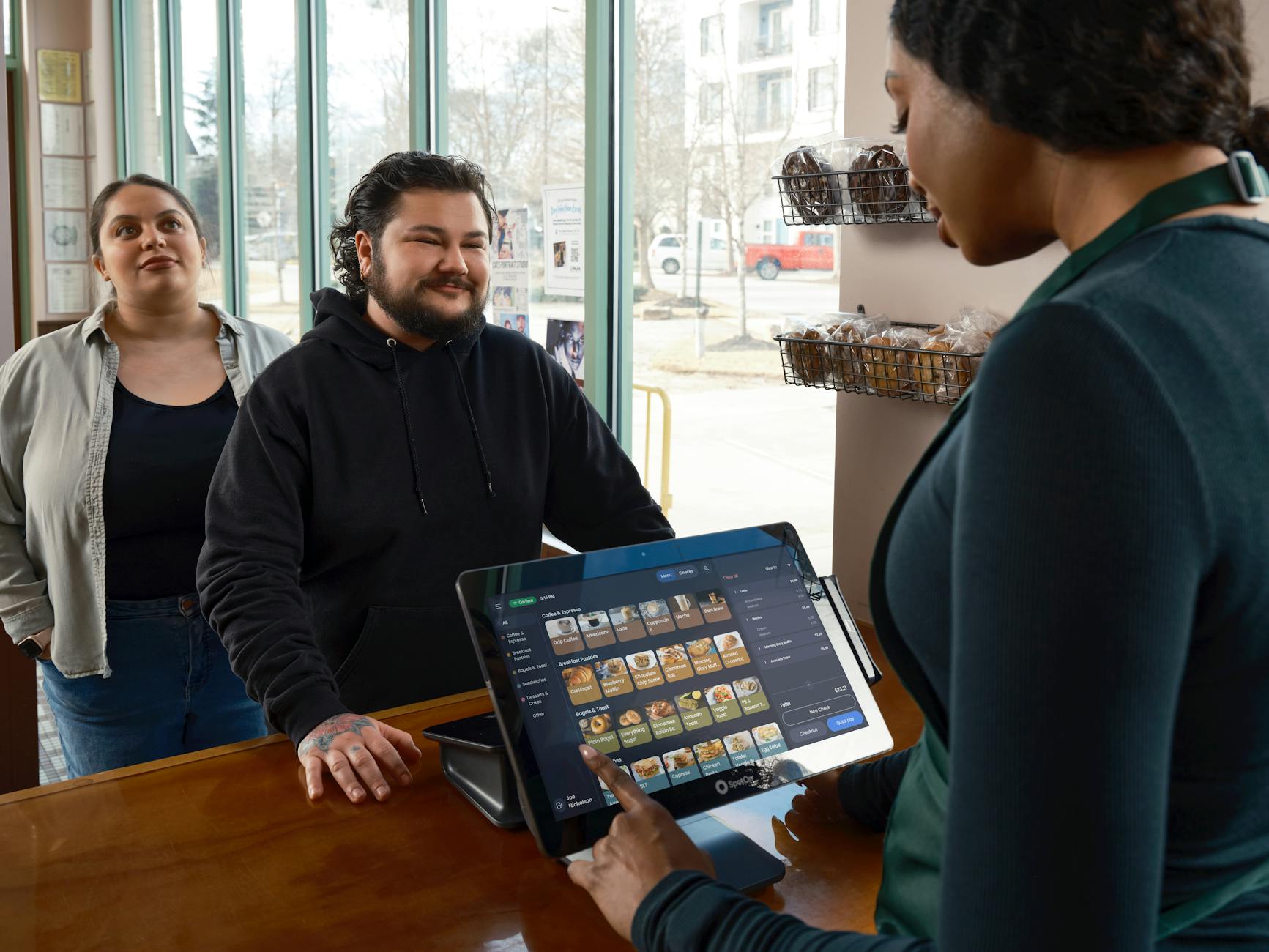
Best POS System for Cafe Melbourne: Top 5 Tips
Choosing the right POS system for cafe Melbourne can transform how you serve customers. Discover what to look for and how TechCares can help. Get in touch today.
Read More

Cloud Backup Solutions for Small Business
Protect your business data with reliable cloud backup solutions for small business. Contact TechCares in Melbourne for expert IT support today.
Read More

Microsoft 365 Copilot for Small Business Melbourne
Is Microsoft 365 Copilot for small business Melbourne worth it? Read our honest review and find out how TechCares helps you get set up with confidence.
Read More

IT Support for Small Business Melbourne
Looking for reliable IT support for small business Melbourne? TechCares offers proactive managed IT, cybersecurity and cloud solutions. Get in touch today.
Read More

Managed IT Services Melbourne | TechCares
Looking for managed IT services in Melbourne? TechCares delivers proactive IT support, cybersecurity and cloud solutions. Contact us today for a free consultation.
Read More
Point of Sale Software Melbourne | TechCares
Looking for point of sale software in Melbourne? TechCares supplies and supports POS systems for retail and hospitality. Get in touch for a free consultation.
Read More

Business WiFi Setup for Office | TechCares Melbourne
Need a reliable business WiFi setup for your office? TechCares helps Melbourne businesses get connected properly. Contact us today for expert IT support.
Read More